
Redux DevTools Dock Monitor
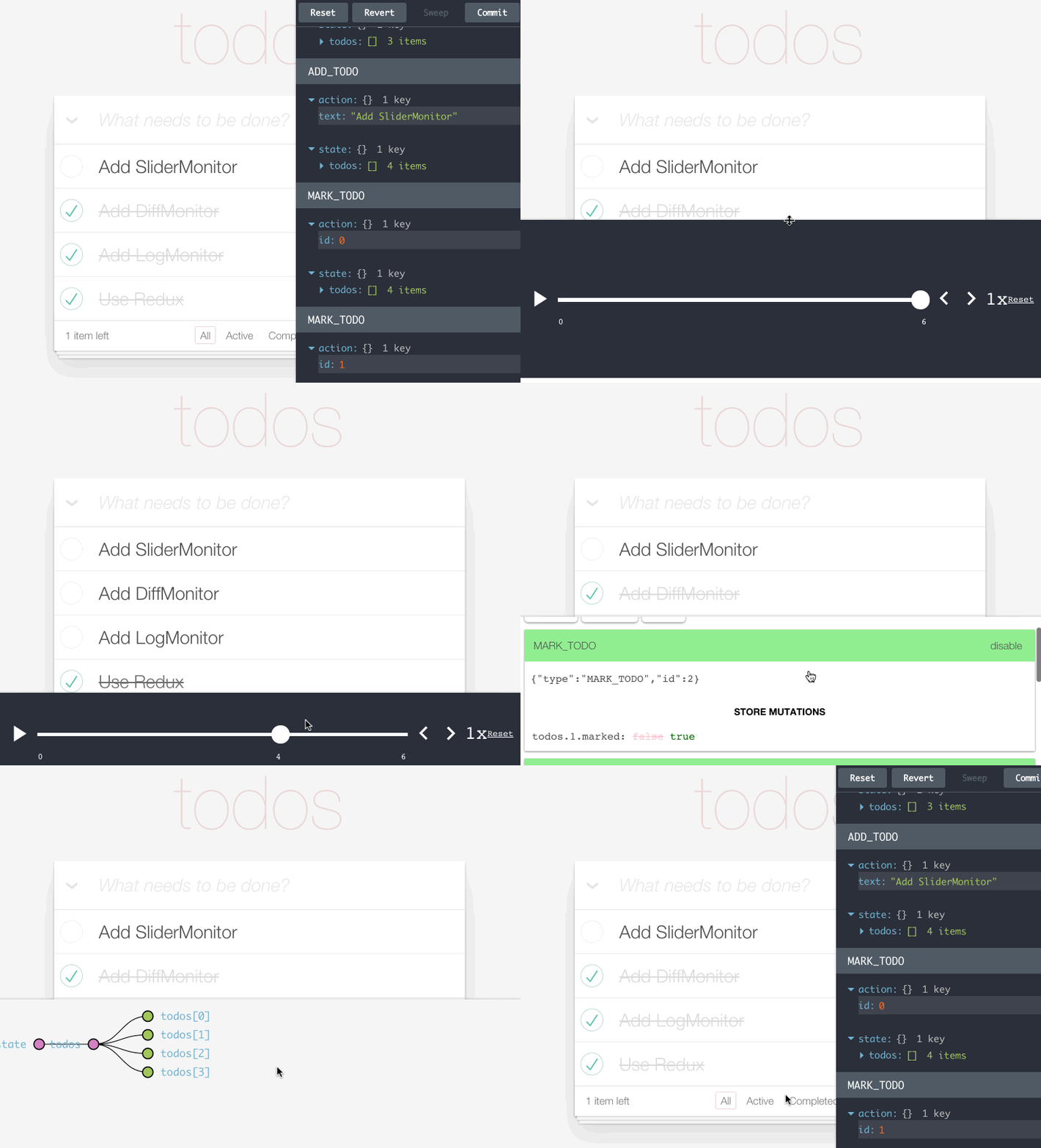
A resizable and movable dock for Redux DevTools. Powered by React Dock.
Installation
Usage
Wrap any other Redux DevTools monitor in DockMonitor to make it dockable to different screen edges. For example, you can use it together with LogMonitor:
containers/DevTools.js
Read how to start using Redux DevTools.
Multiple Monitors
You can put more than one monitor inside <DockMonitor>. There will still be a single dock, but you will be able to switch between different monitors by pressing a key specified as changeMonitorKey prop.
Props
children
Any valid Redux DevTools monitor. Required.
toggleVisibilityKey
A key or a key combination that toggles the dock visibility. Must be recognizable by parse-key (for example, 'ctrl-h'). Required.
changePositionKey
A key or a key combination that toggles the dock position. Must be recognizable by parse-key (for example, 'ctrl-w'). Required.
changeMonitorKey
A key or a key combination that switches the currently visible monitor. Must be recognizable by parse-key (for example, 'ctrl-m'). Required if you use more than one monitor.
fluid
When true, the dock size is a fraction of the window size, fixed otherwise. Optional. By default set to true.
defaultSize
Size of the dock. When fluid is true, a float (0.5 means half the window size). When fluid is false, a width in pixels. Optional. By default set to 0.3 (3/10th of the window size).
defaultPosition
Where the dock appears on the screen. Valid values: 'left', 'top', 'right', 'bottom'. Optional. By default set to 'right'.
defaultIsVisible
Defines whether dock should be open by default. A value of true means that it's open when the page/app loads.
The current size and the position are persisted between sessions with persistState() enhancer from Redux DevTools.
License
MIT
Last updated